IT Relocation Services UAE
Move your IT infrastructure without turning Monday into a support crisis.
An office move becomes risky when computers are treated like furniture. Workstations, servers, switches, firewalls, printers, phones, access points, CCTV recorders, backup drives, and internet circuits all have dependencies. If those dependencies are not mapped before moving day, the new office may open with broken printers, missing network routes, inactive VPN, weak WiFi, or users unable to access email and shared files.
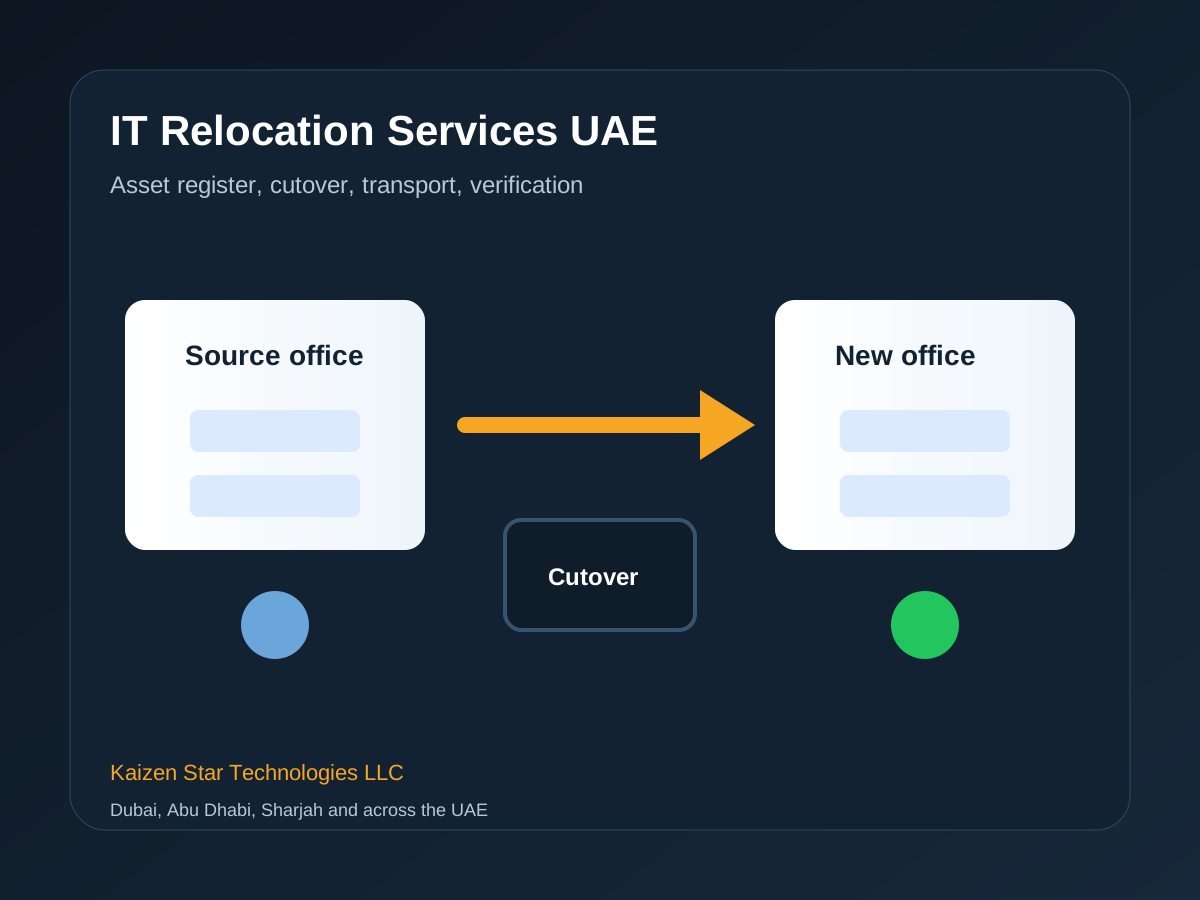
Move planning before the cutover weekend
Kaizen Star Technologies LLC provides IT relocation services across the UAE for SMEs, branch offices, warehouses, showrooms, and multi-floor commercial offices. We plan the move, document the current environment, prepare the destination office, coordinate cutover, reconnect systems, and verify business-critical services before staff return.
Our work is based on site conditions, business risk, user count, vendor dependencies, security requirements, and handover quality. We avoid vague packages when a proper scope is needed. The outcome should be a stable environment, clear ownership, and documentation that another qualified engineer can understand later.
Core outcomes
- Clear scope before work starts
- Business disruption reduced through planning
- Technical controls documented
- Support handover included
- Related risks and next steps explained
Related work to plan before approvals
Most relocation projects also need a destination office network setup, verified backup and disaster recovery, and planned onsite IT support for the first working day after the move.
When the new site is not ready, it is safer to separate relocation work from new office IT setup. That makes it clear which delays belong to internet activation, cabling, rack readiness, access control, or user device deployment.
Why it matters
- Prevents isolated quotes
- Connects dependencies early
- Improves crawl paths between service pages
- Helps buyers compare complete scope
Why IT Relocation Needs Its Own Plan
An office move becomes risky when computers are treated like furniture. Workstations, servers, switches, firewalls, printers, phones, access points, CCTV recorders, backup drives, and internet circuits all have dependencies. If those dependencies are not mapped before moving day, the new office may open with broken printers, missing network routes, inactive VPN, weak WiFi, or users unable to access email and shared files.
Kaizen Star Technologies LLC provides IT relocation services across the UAE for SMEs, branch offices, warehouses, showrooms, and multi-floor commercial offices. We plan the move, document the current environment, prepare the destination office, coordinate cutover, reconnect systems, and verify business-critical services before staff return.
What buyers usually ask
- How much downtime should we expect during an IT relocation?
- Can you relocate only the IT while another company moves furniture?
- Do you move server rooms and racks?
- What happens if something fails after the move?
Pre-Move Assessment
We start with an asset register: servers, PCs, laptops, switches, firewalls, access points, printers, phones, NVRs, UPS units, and line-of-business hardware. Each item is labelled with its current location, owner, dependency, and destination. This avoids the common problem where equipment is moved physically but no one knows how it should be reconnected.
The destination site is checked for rack space, cooling, power, UPS capacity, cabling, internet handoff, meeting rooms, WiFi coverage, printer locations, and user seating. If the new office is not ready, we separate the blockers from the moving work so management can act early.
What buyers usually ask
- How much downtime should we expect during an IT relocation?
- Can you relocate only the IT while another company moves furniture?
- Do you move server rooms and racks?
- What happens if something fails after the move?
Cutover Planning
A relocation plan defines what is moved, what is replaced, who approves downtime, when backups are verified, when the ISP line is active, how users are informed, and who signs off before the team returns. The plan should include timing, responsibilities, escalation contacts, and a rollback option for critical systems.
For weekend moves, the plan usually covers Friday disconnection, secure packing, transport, rack installation, firewall and switch reconnection, workstation placement, printer testing, WiFi validation, VPN testing, and Monday morning engineer presence. This keeps the focus on business continuity rather than heroic troubleshooting.
What buyers usually ask
- How much downtime should we expect during an IT relocation?
- Can you relocate only the IT while another company moves furniture?
- Do you move server rooms and racks?
- What happens if something fails after the move?
Systems Covered
Relocation can include server racks, network racks, firewalls, switches, access points, NAS devices, UPS units, desktop PCs, monitors, IP phones, printers, scanners, CCTV/NVR systems, biometric devices, meeting room systems, Microsoft 365 tenant checks, VPN, and backup devices.
Where old hardware should not be moved, we flag it during assessment and recommend replacement before the move. Moving weak infrastructure into a new office usually transfers the same problems to a more expensive location.
What buyers usually ask
- How much downtime should we expect during an IT relocation?
- Can you relocate only the IT while another company moves furniture?
- Do you move server rooms and racks?
- What happens if something fails after the move?
Risk Controls And Verification
Backups are checked before server moves. Rack photos are taken before disconnection. Patch panels and switch ports are documented. Admin credentials are confirmed. Public IP and firewall rules are reviewed. Internet failover is discussed for business-critical sites.
After reconnection, we run smoke tests: internet, DNS, DHCP, WiFi, shared files, printers, email, VPN, line-of-business applications, CCTV recording, access control, and a sample set of user workstations. A short issue log is created so the client can see what was fixed and what remains open.
What buyers usually ask
- How much downtime should we expect during an IT relocation?
- Can you relocate only the IT while another company moves furniture?
- Do you move server rooms and racks?
- What happens if something fails after the move?
Questions before approving an IT move plan
A relocation quote should show more than transport cost. Ask how assets will be labelled, who verifies backups, what the rollback plan is, how firewall and public IP changes are handled, whether the new office has been tested, and whether an engineer will be present when staff return.
The best relocation projects separate planning, packing, transport, reconnection, and verification. If one vendor moves furniture, another handles cabling, and another controls the internet line, Kaizen can still own the technical cutover plan so each dependency is visible before the move starts.
Ask before approval
- What is included and excluded?
- Who owns each dependency?
- What evidence is handed over?
- What happens after go-live?
Relocation support across UAE offices and branches
IT relocation support is available for Dubai, Abu Dhabi, Sharjah, Ajman, Ras Al Khaimah, Fujairah, and Umm Al Quwain. Office moves in Dubai often require weekend cutovers and building permits. Abu Dhabi relocations may involve larger branch coordination. Sharjah, Ajman, and northern emirate moves often depend on careful transport timing, ISP readiness, and practical onsite verification.
Kaizen can support moves between UAE cities as well as within one emirate: Dubai to Abu Dhabi, Sharjah to Dubai, Ajman to Dubai, or branch consolidation across multiple locations. The plan should always include both the source office and destination office, not only the moving day.
Covered emirates
- Dubai
- Abu Dhabi
- Sharjah
- Ajman
- Ras Al Khaimah
- Fujairah
- Umm Al Quwain
Services that reduce relocation risk
These pages support the same buyer journey and help teams plan the surrounding infrastructure, security, cloud, and managed support work.
IT relocation questions
How much downtime should we expect during an IT relocation?
Downtime depends on server, firewall, internet, and application dependencies. Many office moves can be handled over a weekend if the destination site and internet line are ready.
Can you relocate only the IT while another company moves furniture?
Yes. Kaizen can coordinate with the moving company, landlord, fit-out contractor, and internal admin team while handling only the technical scope.
Do you move server rooms and racks?
Yes. We can plan server room moves, rack rebuilds, switch and firewall reconnection, UPS placement, and post-move testing.
What happens if something fails after the move?
We recommend planned post-move support on the first business day so issues can be resolved while staff return to work.
Need a practical it relocation services uae assessment?
Send the location, office size, user count, current issue, and preferred timeline. A Kaizen Star engineer will review the scope and recommend the next step.